
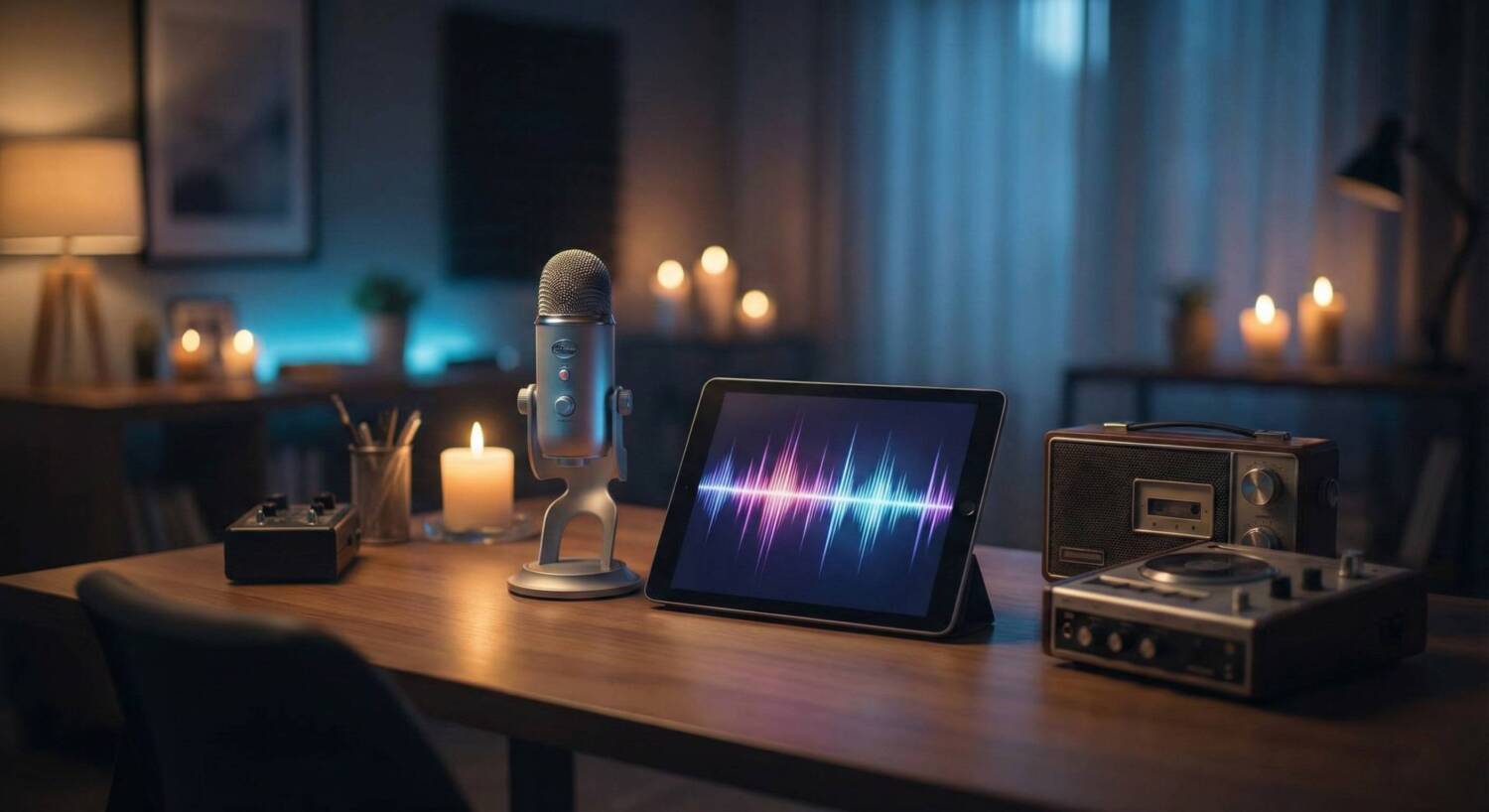

Analyze your paranormal audio recordings with the EVP Audio Lab. This browser-based forensic suite provides a complete set of tools for reviewing Electronic Voice Phenomena. Upload your audio files to visualize waveforms, scrub background noise, and apply specialized filters designed to enhance disembodied voices.
EVP Audio Lab
System Idle
WAVEFORM AMPLITUDE
PROCESSING AUDIO DATA...
REAL-TIME SPECTROGRAM
Capturing an EVP is only the first step. To understand what was said, you often need to manipulate the audio. The EVP Audio Lab brings the power of desktop audio engineering software to your browser, allowing you to process recordings instantly without installing complex programs.
Key Features
- Waveform & Spectrogram: See the sound. The dual-display shows both the amplitude (loudness) and frequency (pitch) of your audio, helping you visually identify anomalies that might be too quiet to hear initially.
- Whisper Enhancer: A preset band-pass filter that isolates the human vocal range (300Hz – 3000Hz) and boosts it, making faint whispers intelligible.
- Noise Scrubber: Automatically cuts low-end rumble (wind, handling noise) and high-end hiss (static), cleaning up the recording for a clearer listen.
- Reverse Mode: Many investigators believe spirits speak in reverse. This one-click tool flips the audio buffer, allowing you to check for back-masked messages instantly.
- Slow Motion (0.5x): Slow down fast-talking spirits to hear every syllable without changing the pitch, crucial for decoding rapid-fire EVPs.
How to Use the Lab
- Load Audio: Click “Load Audio File” to upload your WAV or MP3 recording.
- Visual Inspection: Use the waveform view to find spikes in the audio that correspond to potential EVPs.
- Apply Filters: Toggle the “Whisper Enhancer” or “Noise Scrubber” to clean up the signal.
- Manipulate: Use “Reverse Mode” or “Slow (0.5x)” to test different playback theories.
- Review: Adjust the “Gain” slider to boost volume as needed while listening.