
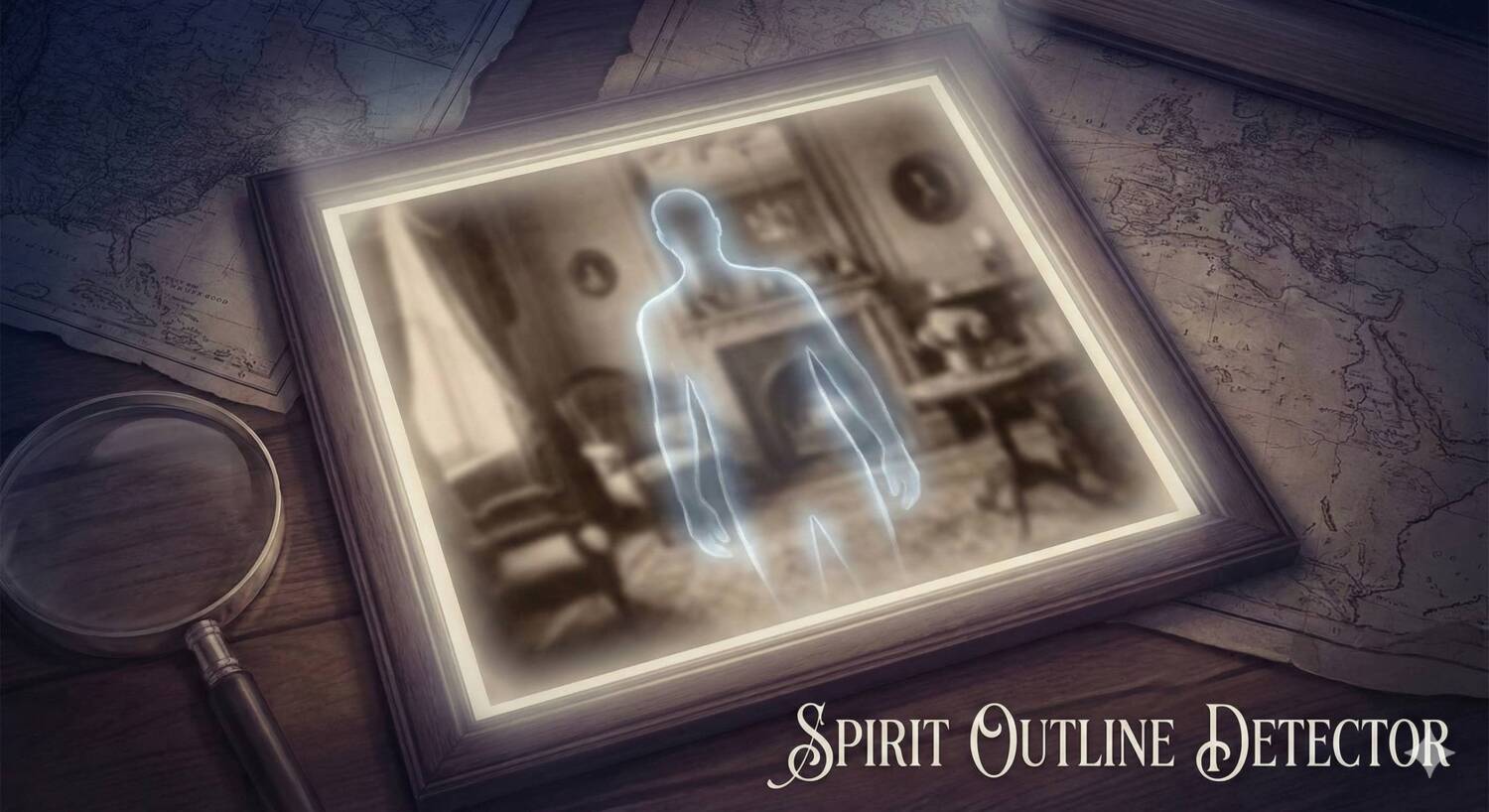

Reveal the unseen with the Spirit Outline Detector, an advanced image analysis tool designed for paranormal research. Using edge-detection algorithms similar to the SLS cameras used by professional ghost hunters, this tool scans photos for structural anomalies and outlines that may indicate the presence of a spirit or entity. Upload your evidence and let the digital filter highlight the hidden shapes in the dark.
Spirit Outline Detector
The human eye is easily tricked by shadow and light (pareidolia), but computer algorithms are objective. This tool uses Sobel edge detection to strip away the noise of a photograph and focus purely on structure. By isolating high-contrast edges, it can reveal the outline of figures that are too faint or subtle to be seen in the raw image.
How SLS Technology Works
This tool mimics the functionality of the Structured Light Sensor (SLS) cameras popularized by shows like Ghost Adventures. While a real SLS uses infrared lasers to map depth, this web-based version analyzes pixel density and contrast gradients to find “stick figure” shapes or coherent outlines within the visual noise. It is particularly effective for analyzing photos taken in low light or “full spectrum” conditions.
Analyzing Your Evidence
When you upload an image, the detector applies a high-pass filter to find edges. You can then adjust the sensitivity to tune out background noise (like wallpaper patterns or foliage) and focus on the anomaly. If the tool detects a cluster of edges that form a coherent shape, it will highlight the area with a red box, indicating a potential manifestation.
How to Use the Detector
- Upload Evidence: Click the upload zone to select a photo from your investigation.
- Adjust Sensitivity: Use the “Edge Sensitivity” slider.
- Low (Left): Detects faint edges. Good for misty or shadow figures.
- High (Right): Detects only hard lines. Good for filtering out noise.
- Filter Density: Use the “Density Filter” to ignore random static. Increasing this value forces the tool to only highlight areas with complex structures (like a face or body).
- Toggle View: Switch between “Overlay” (seeing the edges on top of your photo) and “Mask” (seeing only the edges on a black background) to better isolate the shape.