
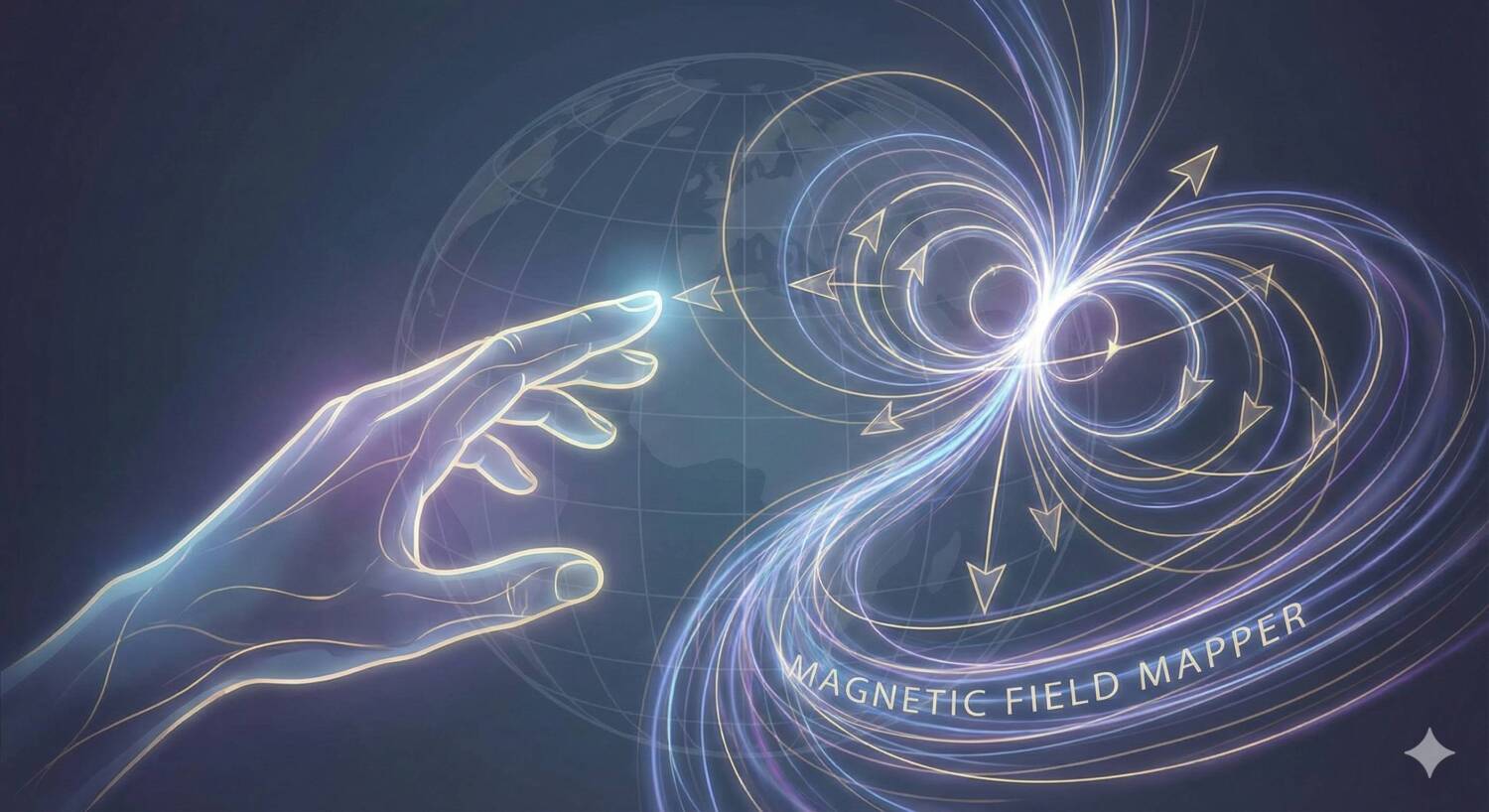

Visualize the invisible forces around you with the Magnetic Field Mapper. This tool converts raw electromagnetic field (EMF) data into a color-coded heatmap, allowing paranormal investigators and researchers to identify energy hotspots, cold spots, and magnetic anomalies in any environment. Simply input your readings to generate a professional-grade visual analysis of your location.
Magnetic Field Mapper
Paranormal investigation relies heavily on environmental monitoring, but a list of numbers on a notepad can be hard to interpret. This tool bridges the gap between data collection and analysis. By mapping your EMF readings onto a visual grid, you can instantly see patterns that raw numbers might hide, such as the “fear cage” effect of high EMF fields or the localized spikes often associated with spiritual activity.
Understanding EMF and Paranormal Research
Electromagnetic Fields (EMF) are physical fields produced by electrically charged objects. In the context of ghost hunting, they are a primary metric for detecting potential activity. Theories suggest that spirits may manipulate these fields to manifest, or conversely, that high EMF levels can cause hallucinations and feelings of being watched in living subjects (a phenomenon known as the “Fear Cage”).
Common sources of EMF include wiring, appliances, and geological formations. A key part of any investigation is “debunking”—identifying these natural sources to rule out false positives. By mapping a room, you can distinguish between the steady field of a fuse box and the erratic, unexplained spike in the center of a room that warrants further investigation.
How to Use the Mapper
- Define Your Grid: Measure your room or investigation area. Enter the dimensions (e.g., 5×5 meters) into the “Width” and “Height” fields and click “Create Grid.”
- Input Readings: Take EMF readings at regular intervals across the room (e.g., every meter). Enter these values into the corresponding cells in the grid.
- Generate Heatmap: Click “Generate Heatmap” to visualize the data.
- Blue/Cyan: Low to Normal background levels.
- Green: Elevated levels, possibly from nearby wiring.
- Yellow/Red: High to Extreme anomalies. These are your areas of interest.
- CSV Import: For larger datasets, switch to the “CSV / Text Input” tab to paste a list of coordinates and values directly.