
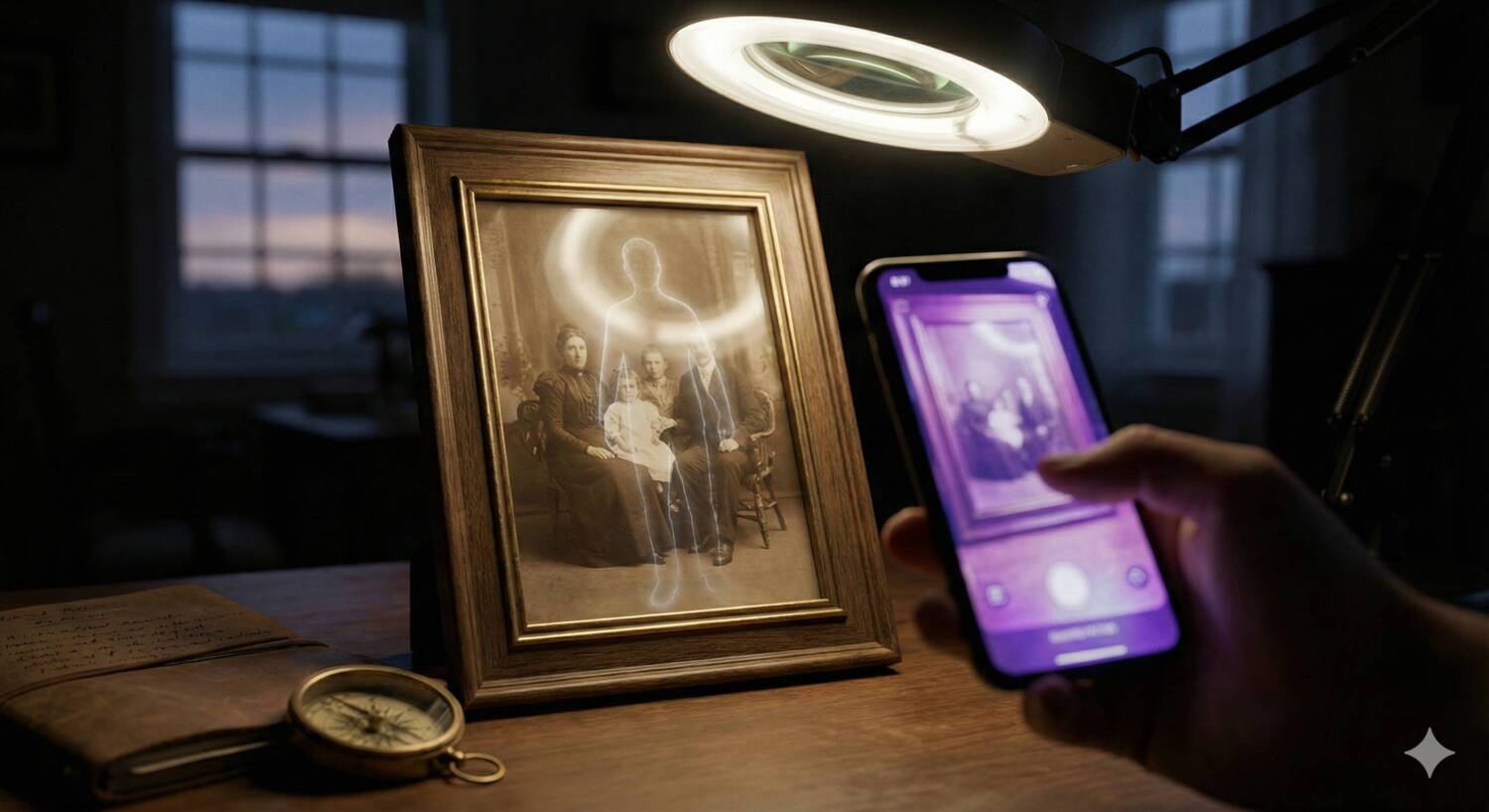

Uncover the secrets hiding in your ghost photos with the Haunted Image Analyzer. This digital forensics tool applies a suite of spectral filters to your evidence, revealing details invisible to the naked eye. From shadow lifting to false-color infrared simulation, this analyzer is designed to help paranormal investigators validate their findings and debunk false positives.
Haunted Image Analyzer
Advanced Photo Forensics for Ghost Hunters
In the field of paranormal research, a single photograph can change everything. However, raw images are often too dark, too grainy, or too low-contrast to show the full picture. This tool acts as a digital darkroom, instantly processing your uploaded image through five distinct forensic algorithms used by professional investigators.
Understanding the Filters
Each filter in the analyzer serves a specific purpose in identifying anomalies:
- Shadow Lift (Gamma Boost): Brightens the darkest areas of an image without washing out the highlights. This is crucial for revealing figures hiding in the corners of a room or the shadows of a hallway.
- High Contrast: Exaggerates the difference between light and dark. This helps to define the edges of misty apparitions or “ectoplasm” that might otherwise look like camera blur.
- Inverted Spectrum: Flips the color palette (negative view). This is a classic technique for spotting shadow people, as the human eye is often better at detecting dark shapes against a light background than vice versa.
- Edge & Noise Detection: Uses a high-pass filter to isolate structural lines. This is excellent for distinguishing between a solid object (like a person) and a trick of the light (like lens flare or dust orbs).
- Simulated Infrared (False Color): Maps brightness levels to a color gradient (thermal style). This helps visualize heat signatures or cold spots by assigning different colors to different light intensities.
How to Use the Analyzer
- Upload Evidence: Click the camera icon to select a JPG or PNG file from your device.
- Wait for Processing: The tool will automatically apply all five filters to your image. This happens locally in your browser for privacy.
- Review the Grid: Scroll down to see the “Evidence Grid.” Compare the original photo against the filtered versions to look for shapes, faces, or anomalies that appear across multiple spectrums.
- Save Your Findings: You can right-click (or long-press) on any of the generated images to save them for your case file.
What does everyone see.