
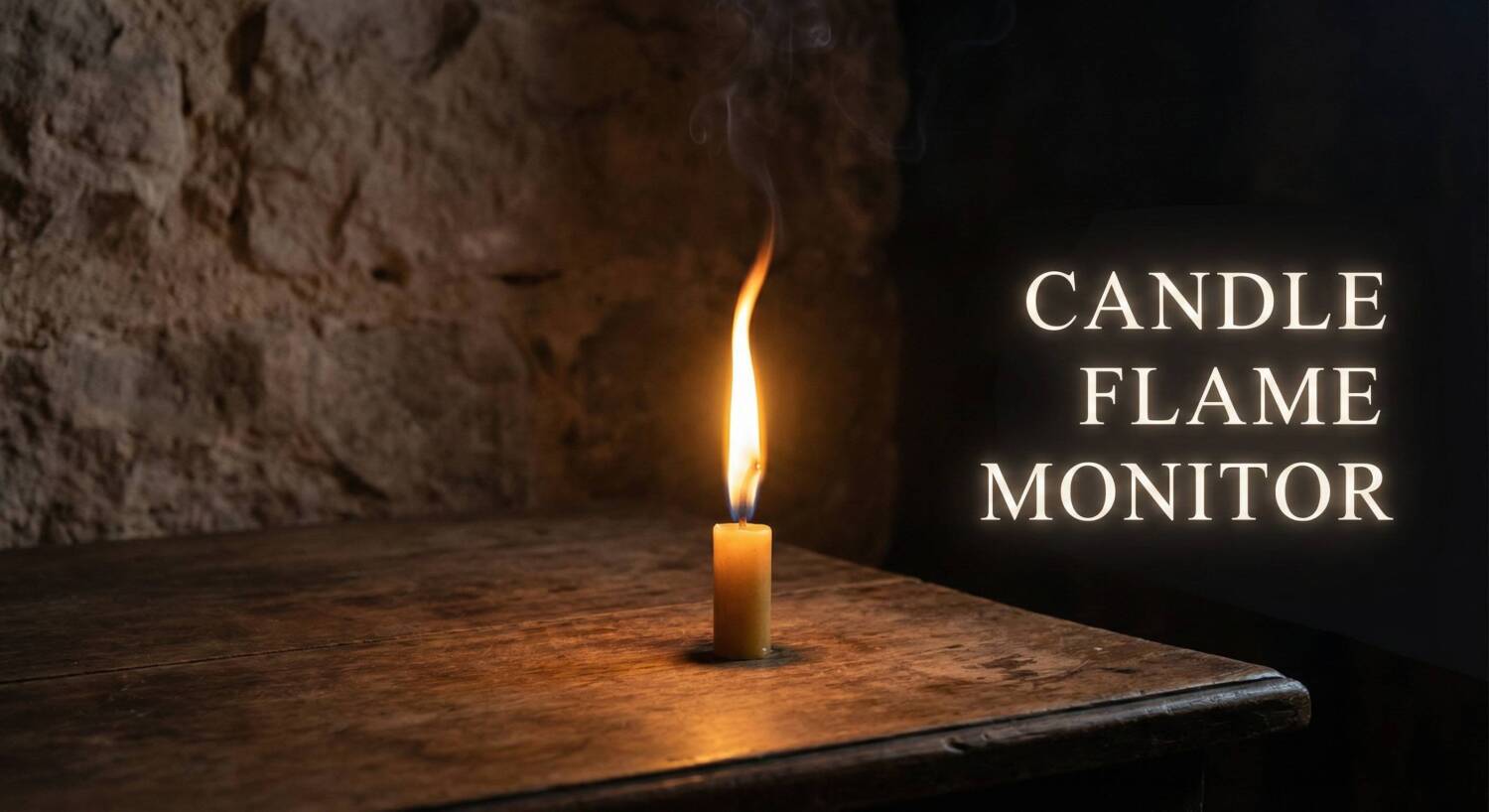

Interpret the language of fire with the Candle Flame Monitor. This digital divination tool uses your device’s camera to analyze the behavior of a ritual candle flame in real-time. By tracking flicker rate, intensity, and stability, it provides a modern interpretation of the ancient art of Pyromancy (fire gazing).
Candle Flame Divination Monitor
Allow the digital eye to gaze upon your ritual flame, or simulate the ethereal winds.
Ritual Session Summary
For centuries, mystics have gazed into fires to seek answers from the spirit world. The way a flame behaves—whether it burns tall and steady, flickers wildly, or sputters out—is believed to convey messages from spirits or indicate the success of a spell. This tool bridges the gap between old-world magic and modern technology.
How the Monitor Works
The tool offers two modes of operation:
- Camera Monitor: Uses your webcam or phone camera to watch a real candle. It detects subtle changes in light intensity (flicker) that might be invisible to the naked eye, plotting them on a live graph.
- Simulation Mode: If you don’t have a candle handy, this mode generates a digital flame that reacts to “ethereal winds” (randomized algorithms), allowing you to practice interpretation or perform a digital divination session.
Interpreting the Graph
As the session runs, the graph will display the flame’s activity level:
- Flat Green Line (Steady): Indicates a calm, focused energy. Your petition is being received clearly without resistance.
- Small Yellow Spikes (Active): Suggests that energy is building or that spirits are present and communicating.
- Large Red Spikes (Wild): Represents chaotic energy, strong resistance, or a very powerful, emphatic message.
Instructions
- Set Up: Place a lit candle in a draft-free area.
- Align: Click “Start Camera Monitor” and position your device so the flame is visible in the viewfinder.
- Focus: Meditate on your question or intention while the tool monitors the flame.
- Review: Click “End Ritual” to generate a session report, which summarizes the flame’s behavior and offers an interpretation of the results.